We built an NYC marathon tracker that texts you
Texts don't need an app, an account, or a notification setting turned on. So that's what we built a race-day tracker around.
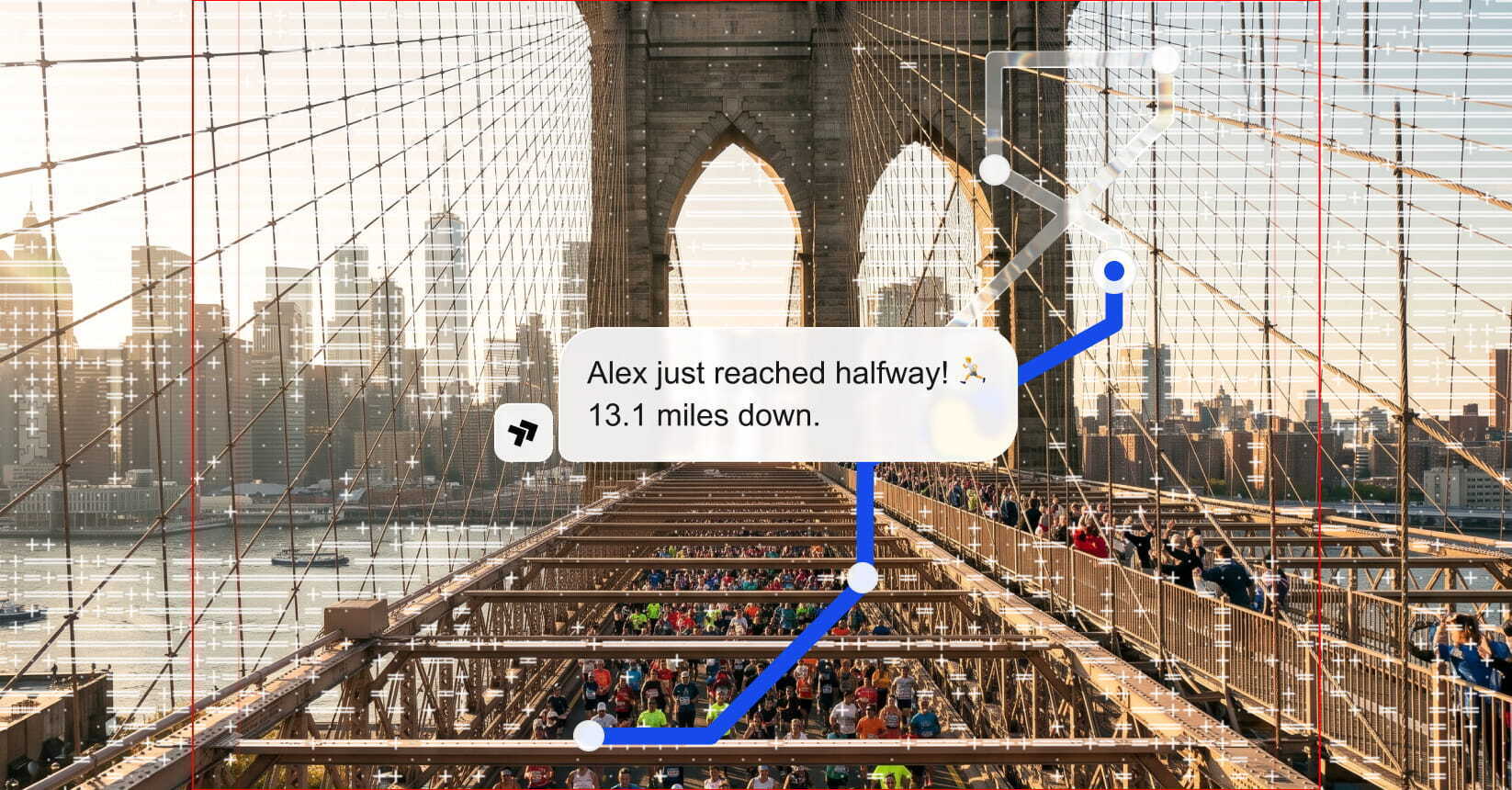
Texts don't need an app, an account, or a notification setting turned on. So that's what we built a race-day tracker around.
Send SMS, WhatsApp, and RCS from Claude, check delivery, look up a number, and see what you need before you text a new country, all through the same gates as the API.
Start a thread off a new database row, send reminders off a calendar event, and route replies into your CRM, with no webhook endpoints to host.
Branded profiles, richer content, and built-in actions are changing the inbox. What will it take for RCS to become an everyday business channel?
One API. Every channel.
Contact Sales
A few of us have friends running the NYC Marathon on Sunday. If you’ve spectated before, you know the drill. You pick a spot, get there early, and watch the NYRR app so you don’t miss the ten seconds your runner is actually in front of you to cheer them on.
Texts don’t need an app, an account, or a notification setting turned on. That’s what we built around. A runner shares a link, friends pick the marathon milestones they want updates on, and each friend gets a text when the runner reaches them.
We build text messaging infrastructure at Sent, so this was a chance to show what an afternoon build with our API looks like.
If you’re running
If you’re cheering on a runner
If a runner sent you a link:
How we built this
There are four components: a Next.js app on Vercel, a Supabase database, a Trigger.dev worker, and the Sent API.
Core services
The web app handles signup and sharing, and saves each friend’s milestone picks to Supabase. The worker processes normalized checkpoint events, queues eligible messages, and sends them through Sent. We tested this pipeline with simulated events. Our webhook handler verifies Sent’s callbacks and saves them for processing. Delivery events update message status - inbound STOP messages and opt-out events block future sends.
From checkpoint to text
A checkpoint arrives with the runner’s ID, the milestone, and the original crossing time. The database selects active subscriptions for that runner and milestone, checks phone verification and opt-out status, and excludes subscriptions started after the crossing. The worker rechecks eligibility before sending. The database records the checkpoint and queues eligible messages in one transaction. Unique constraints allow only one delivery per subscription and checkpoint result, so replaying an event doesn’t create another queued message. Then it sends through Sent using an idempotency key saved on that row.
Note that accepted by the API isn’t the same as delivered to the phone. Sent returns a message ID when it accepts the request, and the worker records that. Delivery status arrives asynchronously through Sent’s callbacks. Separate inbound-message and opt-out events update the recipient’s permission to receive future texts.
If a request fails transiently, retries reuse the same saved key and body to prevent duplicate sends within Sent’s 24-hour idempotency window.
Sent API in practice
Here are two shortened pieces from the integration: the first is the request for a single race update, and the second is how the worker records that Sent accepted it.
Personalized race update
curl https://api.sent.dm/v3/messages \
  -H "x-api-key: $SENT_API_KEY" \
  -H "Content-Type: application/json" \
  -H "Idempotency-Key: demo-josh-halfway-001" \
  -d '{
    "to": ["+12125550190"],
    "channel": ["sms"],
    "template": {
      "id": "YOUR_PROGRESS_TEMPLATE_ID",
      "parameters": {
        "runner_name": "Josh",
        "checkpoint": "HALF",
        "elapsed": "1:45:00",
        "message": "Josh just reached halfway!"
      }
    },
    "sandbox": true
  }'
Swap in your own template ID and parameters.
sandbox: truevalidates the request and returns a simulated response without sending a text. We used it in a timed cloud replay, driven by Vercel Cron, to test request handling and reconcile the expected messages. Sandbox mode doesn’t verify template existence, approval, or handset delivery. Live sending requires a configured sender, the appropriate template and consent, and enabled live-send settings. Use a new operation key for the live request.Send once, retry the same operation
// Inside our delivery worker, after eligibility checks:
const receipt = await transport(
  delivery.idempotency_key,   // saved once per delivery
  prepared.request_body,      // frozen before the first call
  delivery.mode,
);

await rpc.call("complete_delivery", {
  p_id: delivery.id,
  p_lease: delivery.lease_token,
  p_status: receipt.sandbox ? "sandbox_accepted" : "accepted",
  p_message_id: receipt.messageId,
  p_request_id: receipt.requestId,
  p_replayed: receipt.replayed,
});
The idempotency key and request body are saved before the first call, and every retry reuses them. After validating Sent’s response, the worker records the message ID and marks the row accepted. Delivery confirmation is a separate status. Our
receipt.replayedfield reflects Sent’s Idempotent-Replayed response header, indicating that the API returned a cached response for the same operation.Note that
transportandrpcare our helpers - not Sent SDK methods.If you want to build something like this
Sending a text message is deceptively simple. Numbers need to be registered, and carriers want to know who you are and what you’re sending before they’ll deliver anything.
Sent takes care of that part, so we could focus our attention on runner matching, subscriptions, and race updates - and make an afternoon prototype possible.
To everyone running on Sunday - best of luck, and see you out there!