Sent is now an official Claude connector
Connect Sent and Claude can send messages from your account and reach the rest of the platform, from templates and contacts to compliance and analytics.
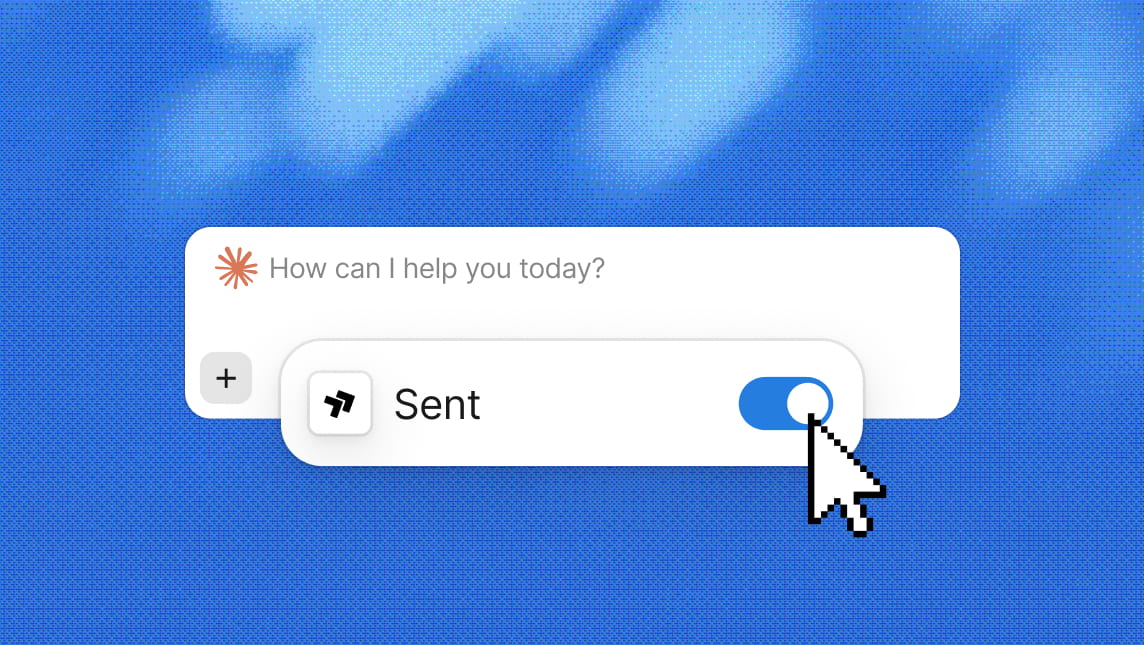
Connect Sent and Claude can send messages from your account and reach the rest of the platform, from templates and contacts to compliance and analytics.
Start a thread off a new database row, send reminders off a calendar event, and route replies into your CRM, with no webhook endpoints to host.
Branded profiles, richer content, and built-in actions are changing the inbox. What will it take for RCS to become an everyday business channel?

Every alert competes for attention. Explore how notification fatigue develops and how teams can decide what deserves a message.
One API. Every channel.
Contact Sales
Sent is live as an official Claude connector, built and maintained by us. Connect it and Claude can send SMS, WhatsApp, and RCS from your Sent account, and reach the rest of the platform too: contacts, message templates, compliance requirements, Sender Profile readiness, number lookup, analytics, and balance.
What Claude can reach
The connector exposes 25 tools:
When you don’t name a channel, Sent’s router channel picks one per recipient. It weighs different factors including deliverability, coverage, and cost across WhatsApp, SMS, and RCS. The final status records the channel that was actually used.
Try asking: “Send order_shipped to +14155550123 on WhatsApp and tell me when it’s delivered.” “Why did yesterday’s message to +44 7700 900123 fail?” “What do we need before we can text customers in the UK?”
The tool list will grow. If Claude can’t do something with Sent that you expected, say so in the conversation;
feedback.sendroutes it to our team.The connector is Sent’s hosted MCP server at mcp.sent.dm, so the same tools are available from Claude Code, Cursor, or any other MCP client without the directory listing. Everything it does goes through the public API.
If messaging is a feature of your product rather than something a person does in a conversation, build on the API directly.
Built-in guardrails
Opt-outs are enforced. A recipient who has opted out is blocked before the send, and Claude reports which numbers it skipped.
Compliance runs the same as everywhere else. A send through Claude passes the same registration and consent checks as a send through the API. If something is missing, Claude can tell you what, before it tries.
Provisioning stays in the Dashboard. Sender Profiles are created and deleted there, not through Claude. The only billed action in a conversation is a number lookup, which Claude confirms before running.
Scoped access. Claude only sees the organization and Sender Profile you authorized, and never holds your API key.
What’s scoped down through Claude
Connections through claude.ai, Claude Desktop, Claude mobile, and Cowork run a narrower policy than Claude Code or any other MCP client pointed at the same server.
The server enforces it per connection:
compliance.setup_planreturns a Dashboard link instead of a create call.Claude Code and other MCP clients get the full set of 27 tools.
Get started
Connect Sent to Claude with one click. The full tool reference is in our docs.