Sent vs Infobip: Simplify the work around every send
Compare Sent and Infobip on automatic routing, customer setup and messaging costs. See how Sender Profiles and contact-based platform pricing fit your workflow.
Compare the workflow behind every message
Both support multichannel messaging. Compare automatic route selection, customer provisioning and the costs behind each send.
| What matters | Infobip | |
|---|---|---|
| Channels | SMS, WhatsApp and RCS | SMS, WhatsApp and RCS |
| Delivery workflow | Automatic channel selection when the channel is left unpinned. | Messages API supports an ordered failover sequence; you configure the channels and delivery strategy. |
| Customer setup | Sender Profiles inside your organization. | Use CPaaS X applications and entities to organize communications and represent customers through the API. |
| Pricing model | Contact-based platform fee plus delivery at cost. | Pay-as-you-go messaging, priced by channel, destination and usage. |
| Carrier charges | Message delivery is passed through at cost, alongside the contact-based platform fee. | Confirm network-specific carrier fees, sender charges and discounts in your quote. |
| Repeat messages | No additional platform fee within the billing period; delivery still adds cost. | Additional billable messages add usage charges. |
| Delivery tracking | Dashboard, API and webhook status tracking. | Delivery/read callbacks and reports API |
7 comparison points
Compare costsCompare the cost of your conversations
Look at active contacts, message frequency and delivery costs together.
Sent
$0.015 per active contact
One platform fee per billing period, plus message delivery at cost. Repeat messages do not add another platform fee.
Infobip
Pay-as-you-go programmable channels
Infobip prices messaging by channel, destination and usage. Get a quote for your traffic and include any carrier, sender and registration charges before comparing totals.
| Contacts / messages | Infobip | Difference | |
|---|---|---|---|
| 100K contacts300,000 messages | $3,090Observed billing projection | Quote requiredDestination and network specific | — |
| 500K contacts1,500,000 messages | $15,450Observed billing projection | Quote requiredDestination and network specific | — |
| 1M contacts3,000,000 messages | $30,900Observed billing projection | Quote requiredDestination and network specific | — |
Illustrative Sent totals: $0.015/contact + $0.0053/message, from 380 observed messages, within one billing period. Excludes sender and registration fees. Infobip requires a destination- and network-specific quote; savings are not calculated.
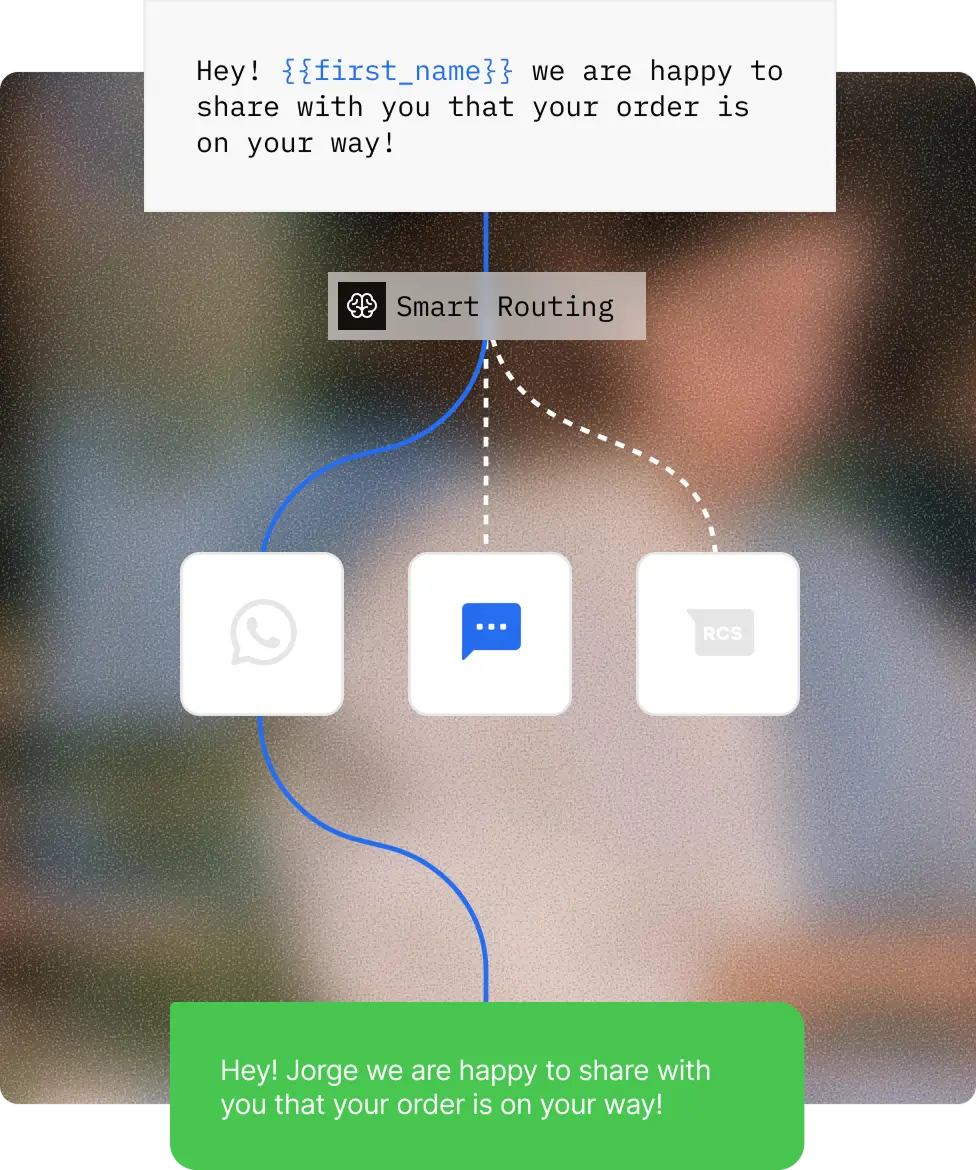
Let the message find its channel
Routes messages to the best available channel, transforms templates for that channel, and respects configured quiet hours. Leave the channel unpinned to use automatic routing.
Infobip: Set an ordered failover sequence in the Messages API, with the channels and delivery strategy configured for your workflow.
Build customer messaging into your product
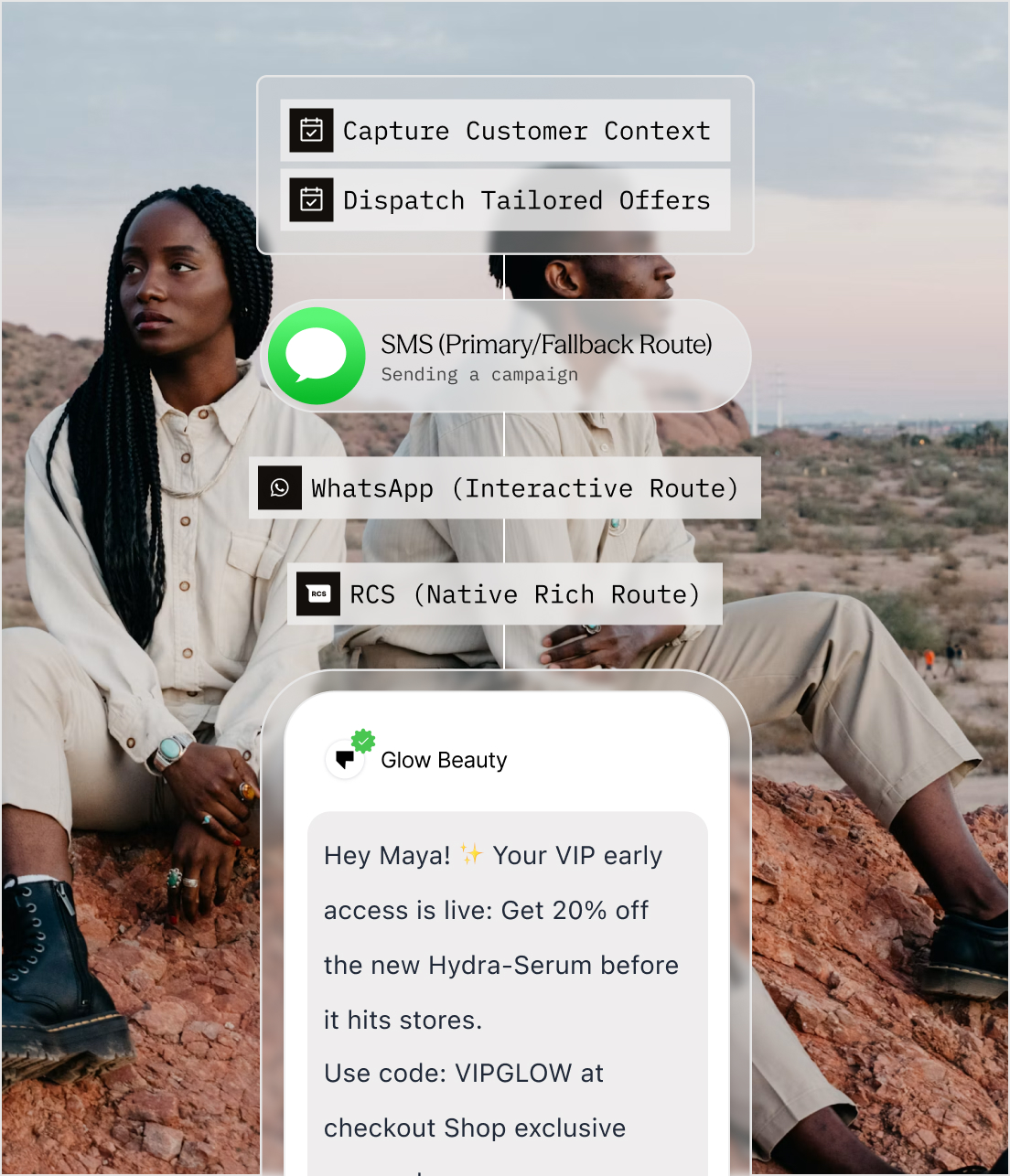
Create a Sender Profile within your organization; send for that customer by passing its profile ID.
Infobip: Use CPaaS X applications and entities to organize communications and represent customers through the API.
Before you switch
Not necessarily, and there is no single figure to compare against: Infobip prices messaging by channel, destination and usage, so a total depends on the quote for your traffic. Sent charges its platform fee once per active contact, so the saving grows with how often you message the same people. Get a quote for your own mix and compare it with the estimate on our pricing page for the same traffic.
On Sent, each customer you send for is a Sender Profile inside your own organization, and you send on their behalf by passing that profile’s ID. On Infobip, customer messaging is organized through CPaaS X applications and entities, which represent your customers through the API.
Yes. Sender registration, such as A2P 10DLC in the US, WhatsApp business verification and template approvals, is decided by the carriers and by Meta, whichever platform you send through. We run the submissions with you and tell you where each one stands, but the review itself belongs to them.
Start with one flow, such as order updates or verification codes. Route a share of that traffic through Sent, compare delivery against Infobip on the same messages, and move the rest once the numbers agree. Your current setup keeps running the whole time.