Sent is a verified node in n8n
Send SMS, WhatsApp, or RCS as a step in any workflow, and start one when someone texts back.

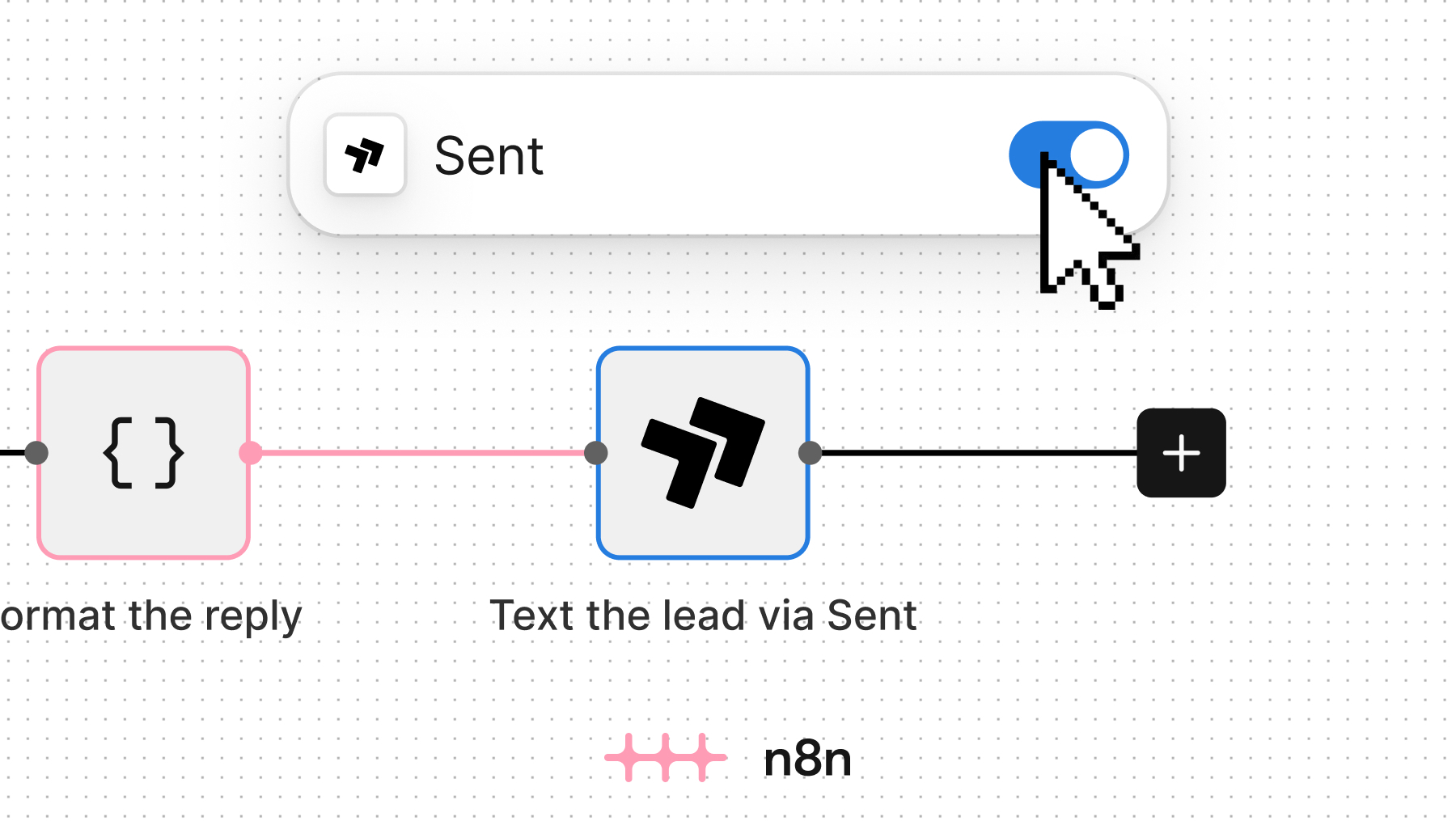
Send SMS, WhatsApp, or RCS as a step in any workflow, and start one when someone texts back.
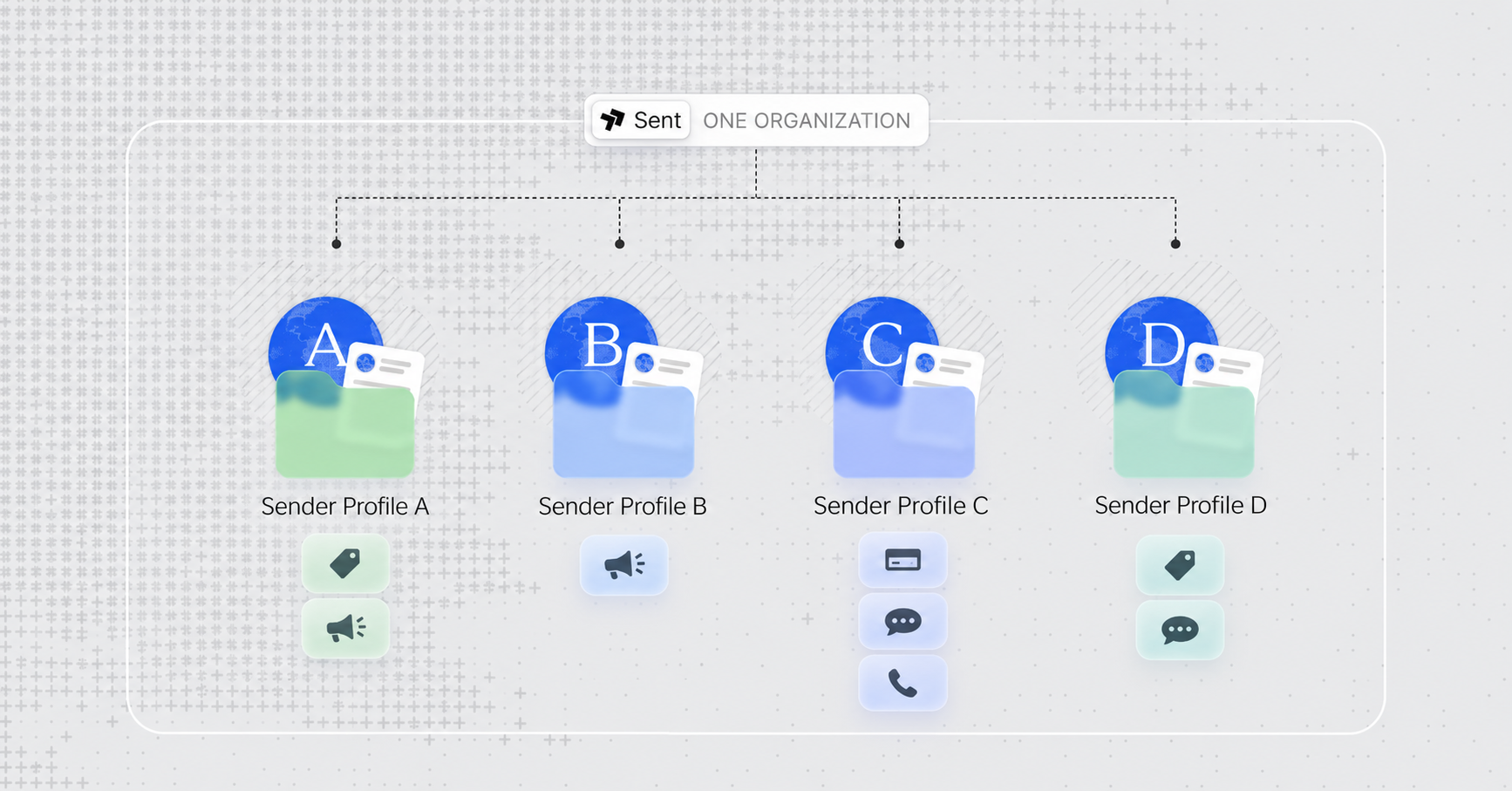
If your product sends messages for other businesses, a Sender Profile holds the registration, numbers and channels for each one - so adding a new customer is one API call.
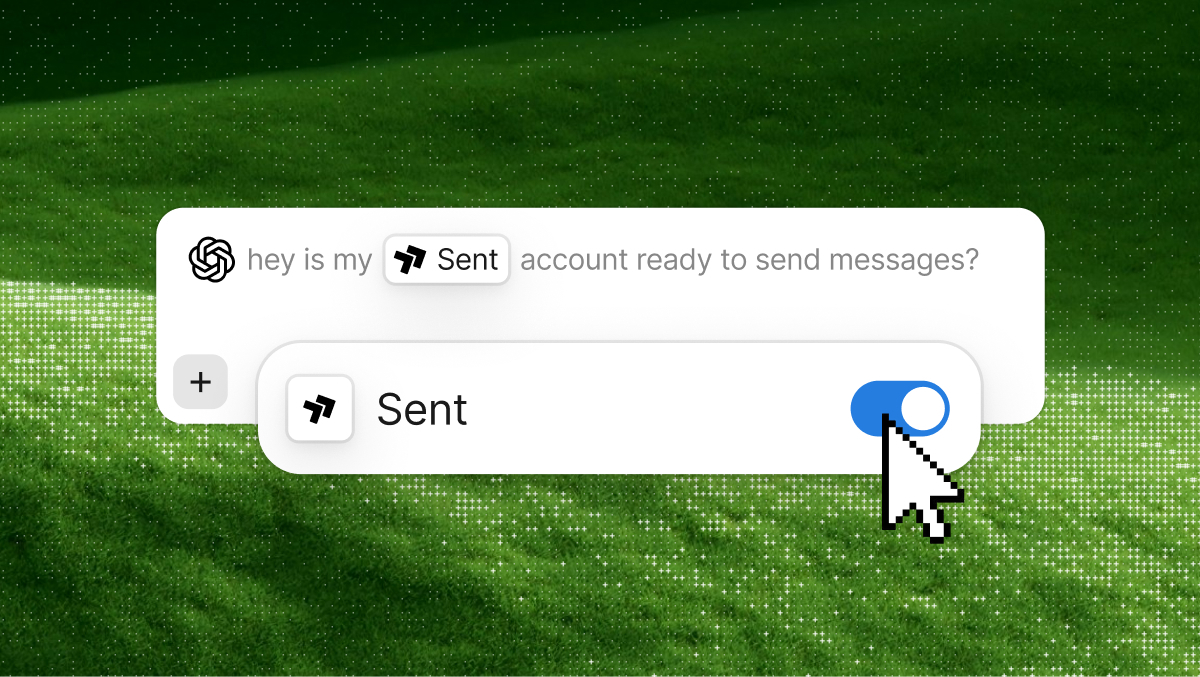
Send messages, check delivery and readiness, and manage contacts and templates directly from ChatGPT.
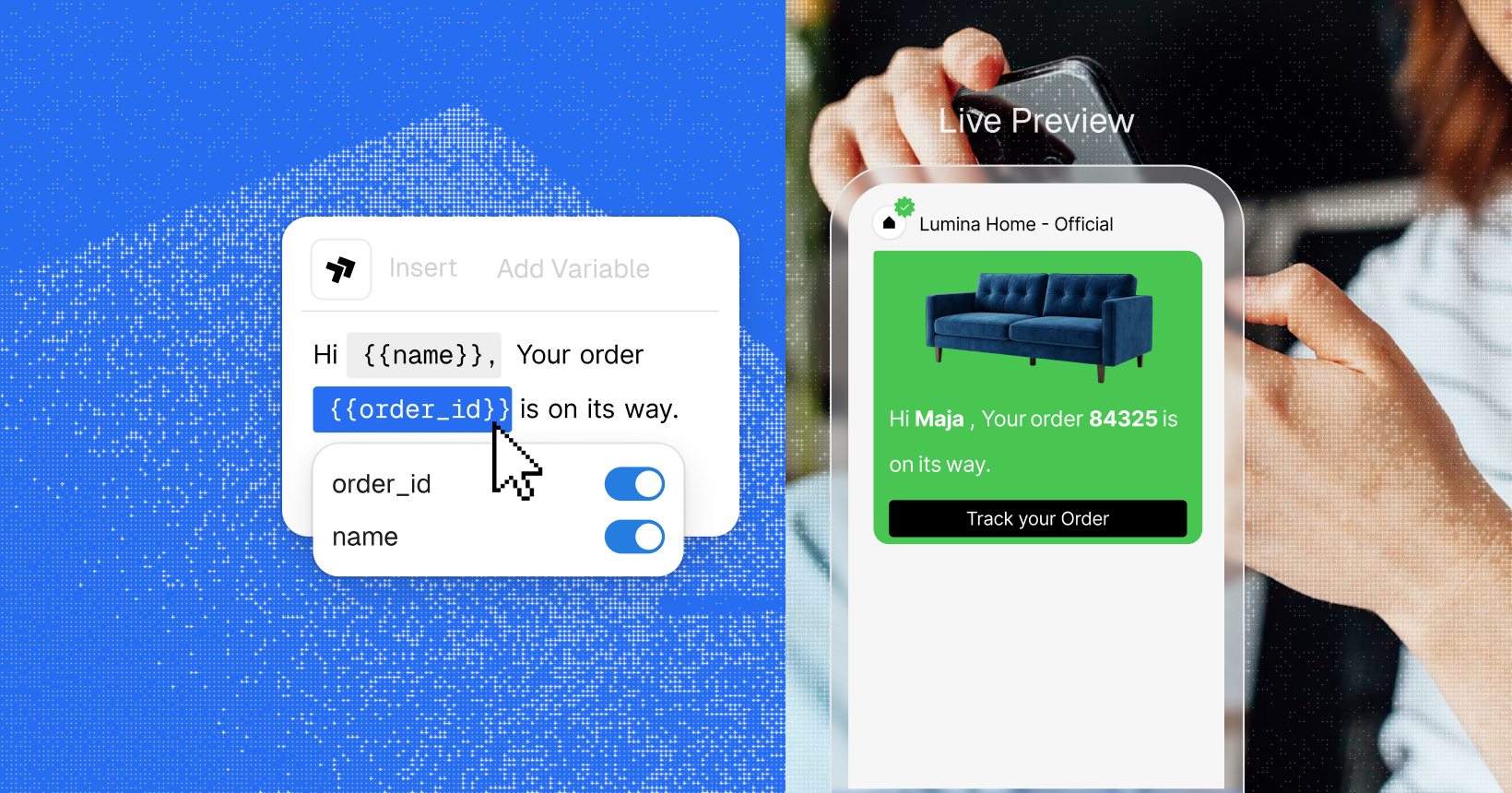
The new template editor previews every channel as you type, flags what Meta or a carrier would reject, and hands you the code to send it.
One API. Every channel.
Get Started
If n8n already runs your forms, calendar, and CRM, Sent now plugs in as a native step: pick it from the node panel, paste an API key, and a workflow can send a message, validate a number, look up a contact, or read a delivery timeline.
What the node can do
The package has two nodes. Sent is the action node and covers the stable v3 resources. Sent Trigger starts a workflow on a message event.
A few details worth knowing:
sent, which lets the router pick the channel for the message and recipient. You can also namesms,whatsapp, orrcsexplicitly. Picking more than one explicit channel sends on each of them, so WhatsApp plus SMS means two messages per recipient.={{ $json.variables }}.message.*event: an inbound message, or a delivered, read, or failed status. It registers its own webhook when the workflow activates, verifies every delivery with HMAC-SHA256 before running, and removes the webhook on deactivation.The endpoint-by-endpoint matrix is in the API coverage doc.
What you can build
n8n ambassador Amar Rama published two templates outlined below. The rest are a handful of nodes each.
1. Instantly follow up on a lead’s form submission
Template: Capture and follow up on Tally inquiries with Salesforce, Sent, and OpenAI
Trigger: a new Tally submission. The workflow validates the phone number, matches or creates the lead in Salesforce, has OpenAI write a short brief for the rep, and sends an approved template through Sent with an idempotency key. The send result lands back on the Salesforce record.
2. Cut appointment no-shows from your calendar
Template: Reduce appointment no-shows with Sent and Google Calendar
Trigger: a Google Calendar event is coming up. The workflow texts the attendee a reminder, then reads the reply back into the same workflow.
3. Validate before you send
Trigger: a new row in your database or CRM. Add Phone Number → Lookup, branch on whether the number is valid and which channels can reach it, then Message → Send only to the ones that pass.
4. Confirm delivery before closing the task
Trigger: Sent Trigger filtered to delivered. Action: mark the task done in Linear or Asana, or flip a status column in Airtable.
5. Message a contact list in batches
Contact → Get Many with Return All, into Loop Over Items, into Message → Send with a template.
The repo ships seven importable example workflows that cover every operation, including a Postgres deduplication pattern for the trigger. Every send in them has Sandbox on.
Sent as the trigger
Example 4 starts from Sent rather than ending there. That pattern is how replies reach the rest of your tools without a webhook receiver to host:
The trigger fires on every status change, so add a filter for the event you care about. Each event carries an idempotency key, and the repo's example 07 shows how to dedupe redeliveries in Postgres.
A few things worth knowing
Get started
@sentdm/n8n-nodes-sentfrom Settings → Community Nodes.The node page is on n8n and the source is on GitHub.